
Each plan includes a monthly allowance of broadcast messages, counted as one per recipient. You can see how much you have used at any time on the Broadcasts page.
Where to see it
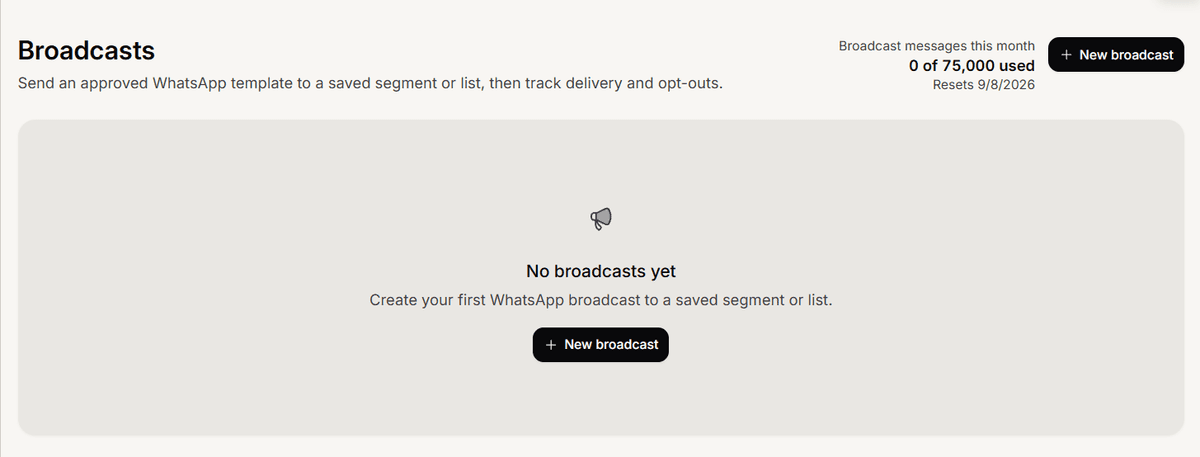
At the top of the Broadcasts page, the Broadcast messages this month meter shows {used} of {limit} used and the date it resets. The composer also shows your remaining allowance while you build a broadcast.
How it counts and resets
A broadcast counts one message per recipient it is sent to. If a recipient turns out unreachable, opted out, or the message fails, that message is released back to your allowance. Drafts do not count. The allowance resets each month, and unused messages do not roll over.
When you run out
If a broadcast needs more messages than you have left, the send is blocked and you are prompted to reduce the audience or upgrade your plan. A higher plan raises the monthly limit. This allowance is separate from the message credits your AI agent uses.
Frequently asked questions
Is this the same as my AI message credits?
No. Broadcast messages are a separate monthly pool, just for broadcasts.
Do failed sends use up my limit?
No. Unreachable, opted-out, and failed recipients are released back.
How do I get more?
Upgrade your plan; a higher plan includes a larger monthly allowance.