
A WhatsApp message template is a message you get pre-approved by WhatsApp, so you can send it to a customer even outside the normal reply window. Templates are how you reach customers with order updates, follow-ups, and re-engagement.
Why WhatsApp requires them
WhatsApp only lets you send a free reply within 24 hours of a customer's last message. To message someone after that window has passed, you must use an approved template. Unlike a free reply, a template can be sent at any time.
Every template is reviewed by Meta
When you submit a template, it goes to Meta for review, usually within about 24 hours. It shows as Pending review, then becomes Approved or Rejected. Only an approved template can be sent, whether from the inbox, a broadcast, or a trigger.
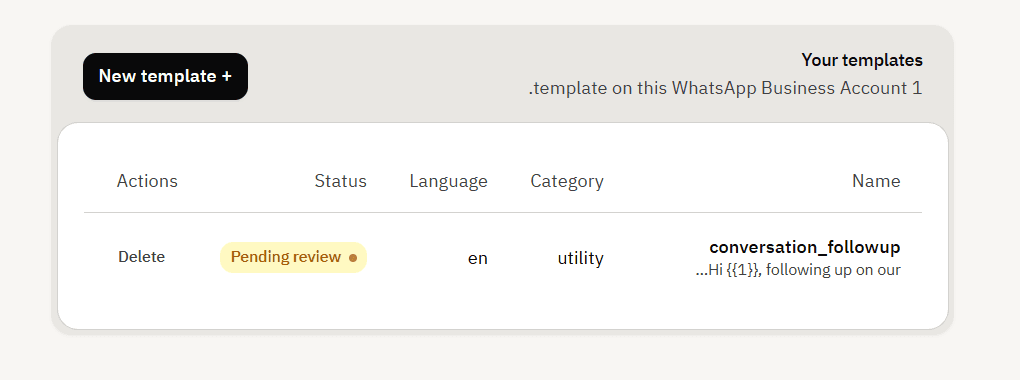
Where to find them
Open your Customer Service app and go to Settings > Integrations > WhatsApp, then click Manage templates. You must connect WhatsApp first: until a WhatsApp number is connected, the templates page cannot load any templates.
Frequently asked questions
Where do templates live?
On WhatsApp's side, tied to your WhatsApp Business number. Mando lets you create, view and delete them.
Can I edit a template?
No. A template cannot be changed after it is created; delete it and create a new one.
Why do I see no templates?
Either WhatsApp is not connected, or you have not created any yet.