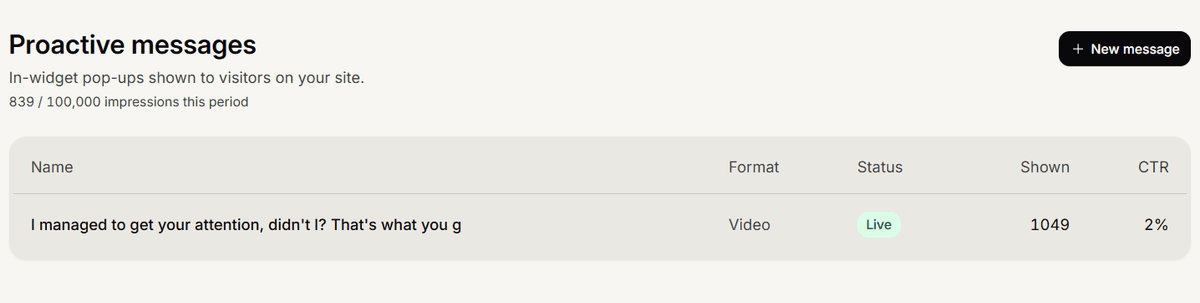
A proactive message is a small pop-up your chat widget shows a visitor on your site, before they open a conversation. You use it to greet people, point them to an offer, or invite them to ask a question.
What one can look like
You choose a format when you build it:
Whisper, a small bubble in the corner.
Card, an image with a headline and a line of text.
Bar, a strip across the bottom of the page.
Spotlight, a box centered on the screen.
Video, an autoplay clip you upload or paste as a YouTube link.
What the button does
Every message has one call to action:
Start chat opens the chat and begins a conversation with your AI agent.
Open a link sends the visitor to a web address you set, in a new tab.
Dismiss only just closes the pop-up.
Where it lives and who manages it
Proactive messages belong to a Customer Service app and show through its chat widget, so the widget must be installed on your site. See Install the Mando chat widget on your website.
Find them in the dashboard under Campaigns, then Proactive messaging.
Only an admin can create, edit, or publish them. See Understand Super Admin and Member roles.
Live does not always mean shown
A message has three states: draft, live, and paused. Setting it live makes it eligible, but a visitor only sees it when your targeting matches, the delay passes, they have not already been shown it, and your plan still has monthly impressions left. Only one pop-up shows per visit, and your plan sets how many impressions you get. See Compare Mando plans and pricing.