
A Simple AI Action lets your AI do one job mid-chat: collect a few details and send them to your system, fetch an answer from your systems, or search your product catalog. This walks through the editor from start to save.
Start a new action
Open Automations and click Create.
In the chooser, pick Simple AI Action.
The editor opens with the title New Simple AI Action.
Fill in the editor
The editor is a set of sections. Work through them in order:
General: choose the Action type, give the action a Name, and describe when to activate it in plain English.
Target fields: the details the AI collects.
Webhook: where the data is sent, for a Submit action.
The optional Confirmation step, Post-submission message and AI normalization sections fine-tune a Submit action.
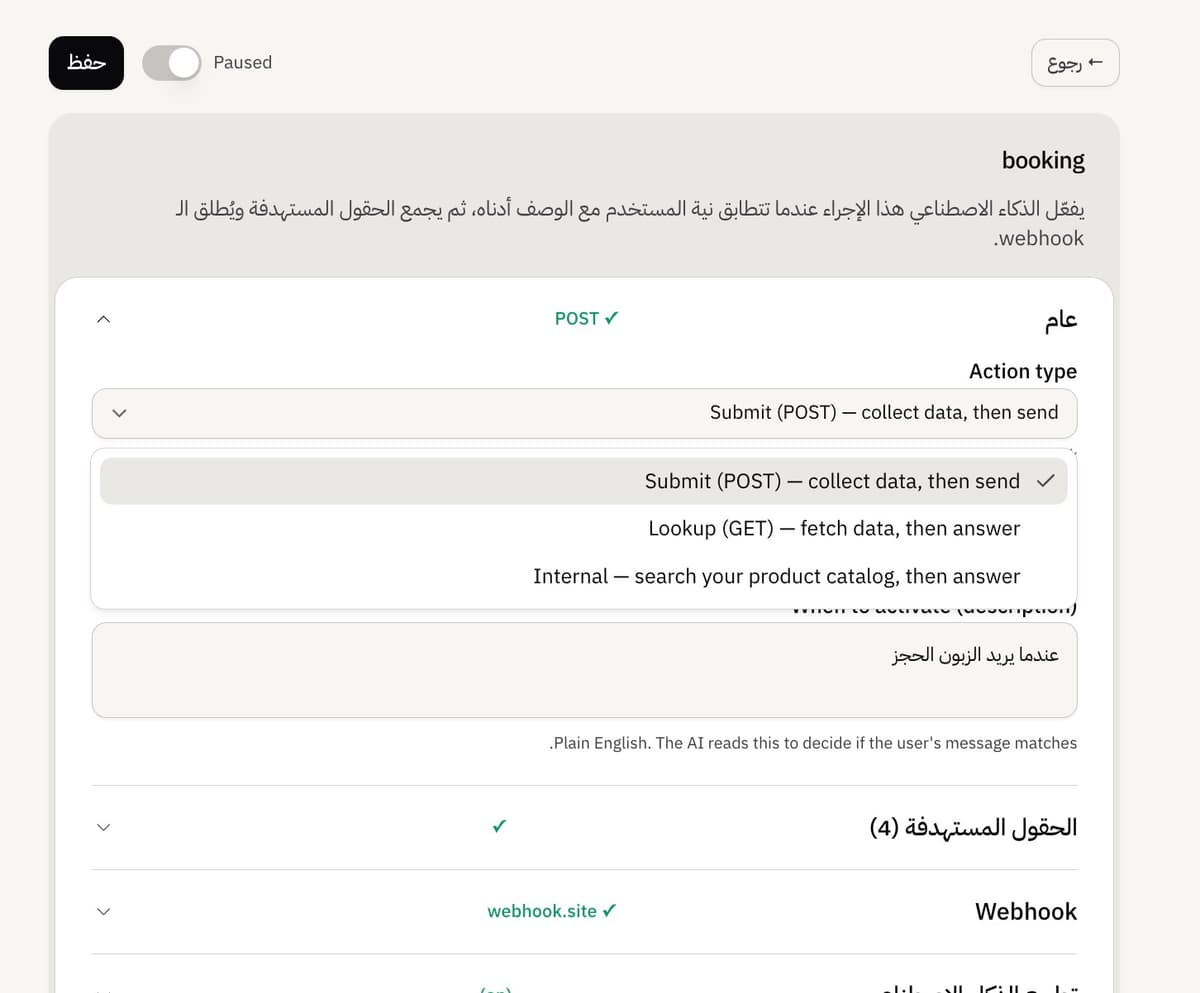
Save, then turn it on
Click Save. Saving creates a draft, and building is free on any plan. Going live is a separate step: after the first save, an Active toggle appears in the header. Turning it on is what makes the AI offer the action to customers.
The AI can only use an action while it is Active. A draft or paused action is ignored.
If Save is blocked
Save checks a few things and tells you what is missing: Name and description are required, Add at least one field, and Every field needs a description. Fix what it names, then save again.
Frequently asked questions
Does saving make it live?
No. Saving creates a draft. Turn on the Active toggle to make it live.
Is building free?
Yes, on any plan. Activating a Simple AI Action needs the Growth plan or higher.
A new action already has a field.
That is normal. A new action starts with one field so you have something to edit.