
Advanced Mode lets you write the instructions that govern your agent instead of relying on its role alone. Use it when the role gets you most of the way but your business has rules the agent keeps missing.
Steps
Open your agent, go to Settings, then the AI model section.
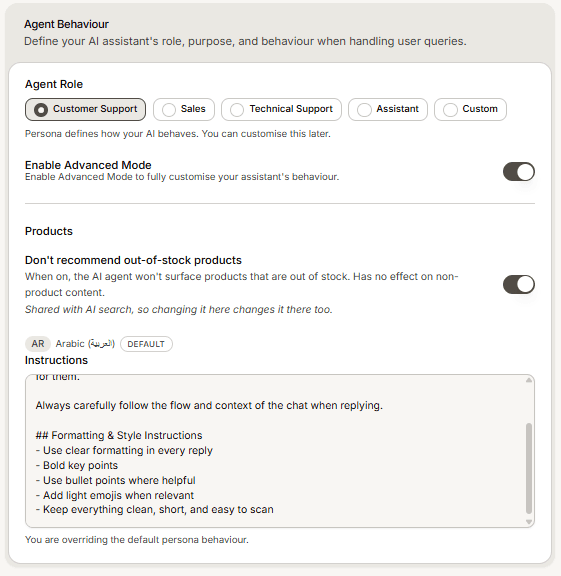
Under Agent Behaviour, turn on Enable Advanced Mode.
Write your Instructions: how the agent should behave, what tone to use, and how to handle specific situations.
Save, then test in the Playground preview.
Keep these two tokens in your instructions
Your instructions must keep <company-name> and <company-description> in the text. Mando replaces them with your real details when the agent runs. Delete them and the agent loses the basic context of who it works for, which usually shows up as vague or generic answers.
Writing instructions that work
Be concrete. Rules the agent can check beat adjectives about tone.
Cover the awkward cases: refunds outside policy, questions you will not answer, when to hand off to a person.
Change one thing at a time and test after each change, otherwise you cannot tell which edit helped.
One more place that shapes replies
If your agent says something you cannot find in your instructions, check the Assistant Style field in the same settings. Style defines how the agent communicates, separately from your instructions, and it is easy to forget it is there.