
Your agent has one default language, and you can add more. Adding a language is how you support customers in it properly, rather than relying on the agent to cope with whatever arrives.
Steps
Open your agent and go to Settings, then General.
Find the localization section and select Add language.
Choose the language you want to add.
Save.
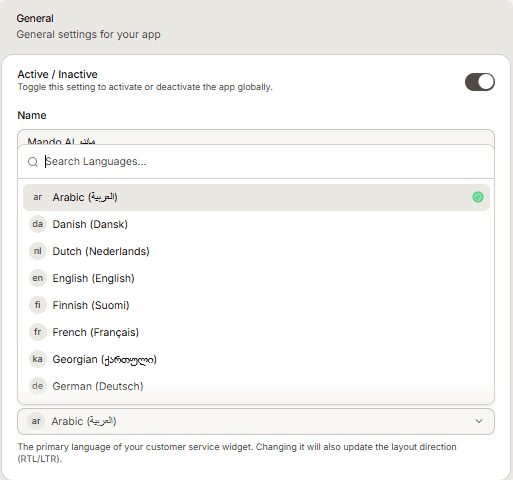
Default language and added languages are different things
The default language sets the primary language of the widget and its layout direction. Added languages extend which languages your agent is set up to serve. Changing the default does not remove the languages you added, and adding a language does not change your default.
Frequently asked questions
Do I need to add a language for the agent to understand it?
Adding a language is how you support it deliberately, with your own content and settings behind it, rather than leaving the outcome to chance.
Does my content need to be in each language?
Answers come from your Content Library, so the more of it exists in a language, the better the agent performs in it. Adding the language does not translate your content for you.