
Deploying is the step that turns a configured agent into one your customers can actually reach. In Mando that means one of two things: putting the chat widget on your website, or connecting a messaging channel.
Before you go live
Your agent has content to answer from, and you have tested it in the preview.
Its role and language are right, because both are visible to customers immediately.
You know what should happen when the agent cannot help, so escalation does not land nowhere.
Steps
Open your agent and go to Test and Deploy.
Try the agent once more in the preview.
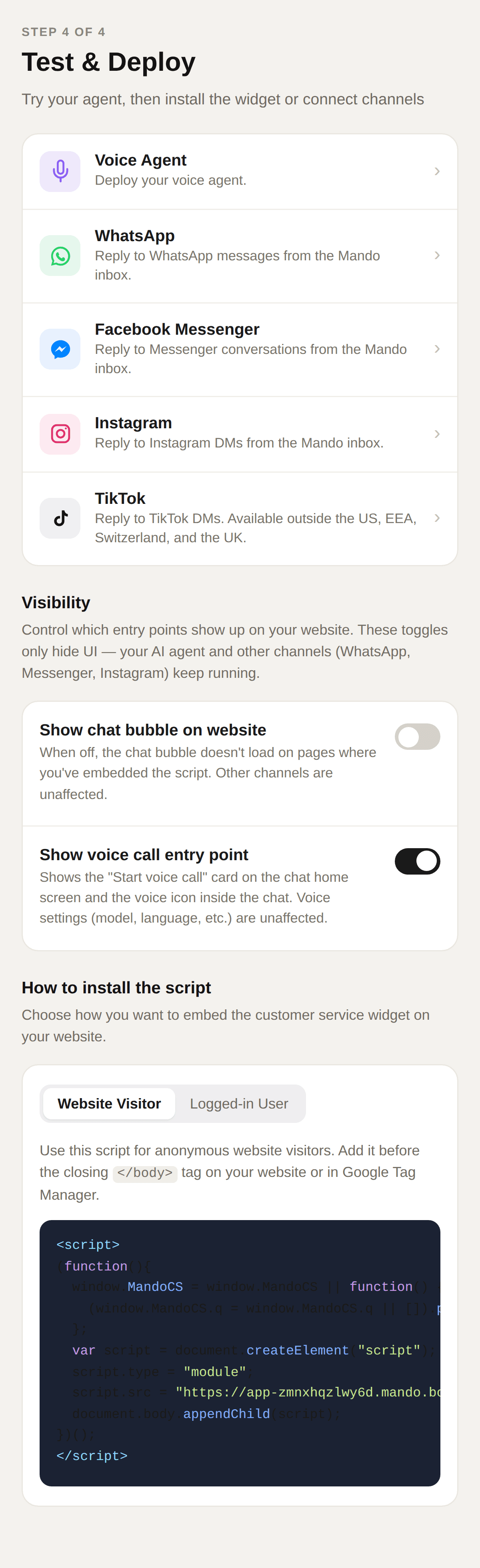
To go live on your site, copy the embed script and add it to your website. To go live on a channel instead, connect that channel.
Check Visibility so the entry points you want are switched on.
Open your own site in a normal browser window and confirm the chat appears.
Troubleshooting
The chat does not appear on my site
Three things to check: the script is on the page you are looking at, the chat bubble toggle is on, and you are not viewing a cached version of your site.
It works in the preview but not on my site
The preview does not need the script. If the preview is fine, the problem is the installation rather than the agent.