
An AI Action only works for customers while it is Active. Activating and pausing is a single toggle, separate from saving your edits.
Where the toggle lives
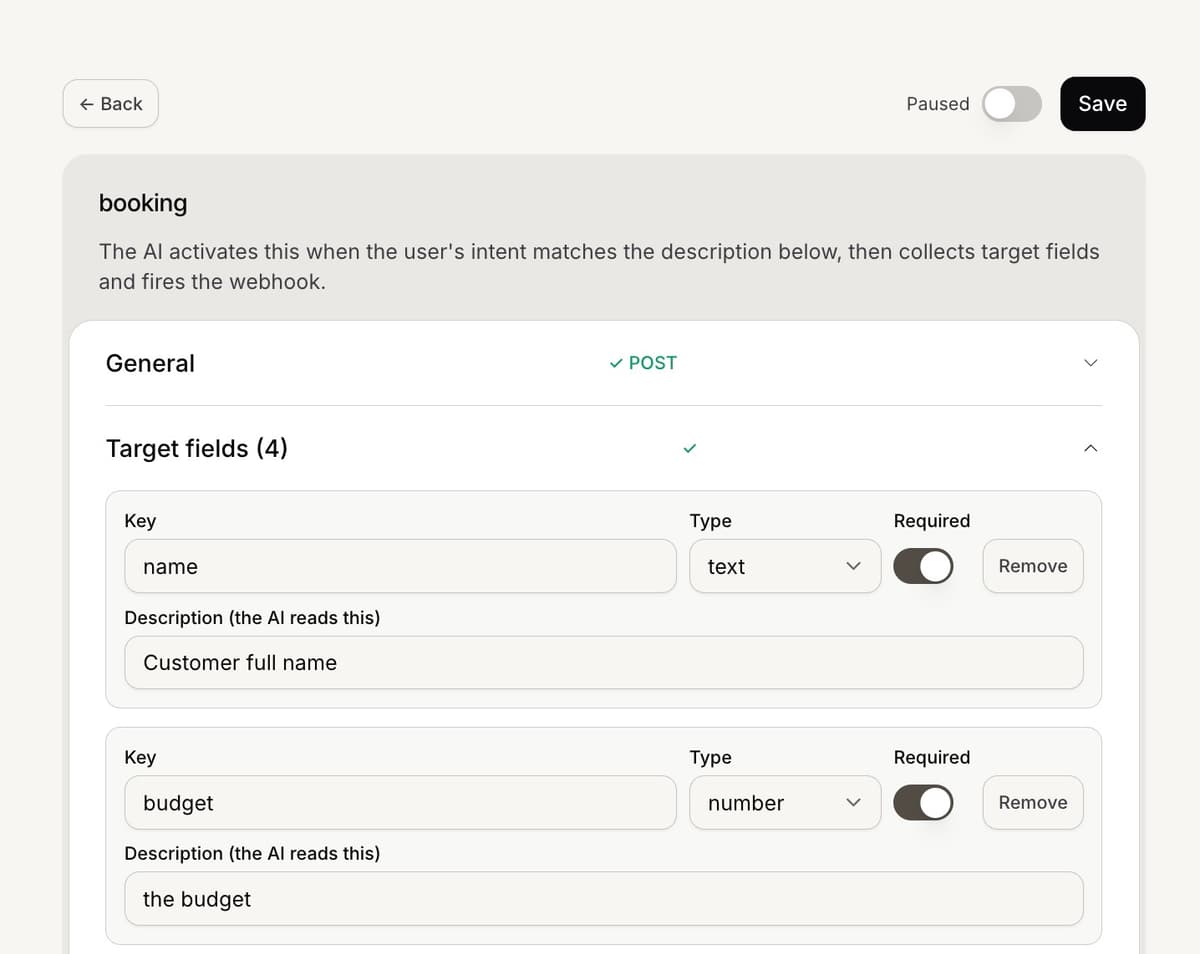
You can flip an action on or off in two places: the Active switch in the top of the action editor (it appears after the first save), or the on/off switch on the action card in the Automations list.
What changes for customers
When an action is Active, the AI can offer and run it in chats. When you pause it (or while it is still a draft), the AI no longer sees it, so it will not be offered on the next message.
Pausing mid-task leaves any in-progress collection stuck, since the AI has no tool to finish it. The customer can still chat normally, and you can re-activate later.
Plans and limits
Building and saving is free on any plan. Activating a Simple AI Action needs the Growth plan or higher, and each plan allows a set number of active actions at once. If you are over the limit, activation is blocked with an upgrade message.
To delete an action, pause it first: a live automation cannot be deleted.
Frequently asked questions
I cannot turn it on.
Save the action first, then activate. If you see an upgrade message, activating needs the Growth plan or you have reached your active limit.
Does pausing delete my work?
No. Pausing keeps the action and its settings; it just stops the AI from using it.
When does a change take effect?
On the next customer message, since the AI reloads active actions each reply.