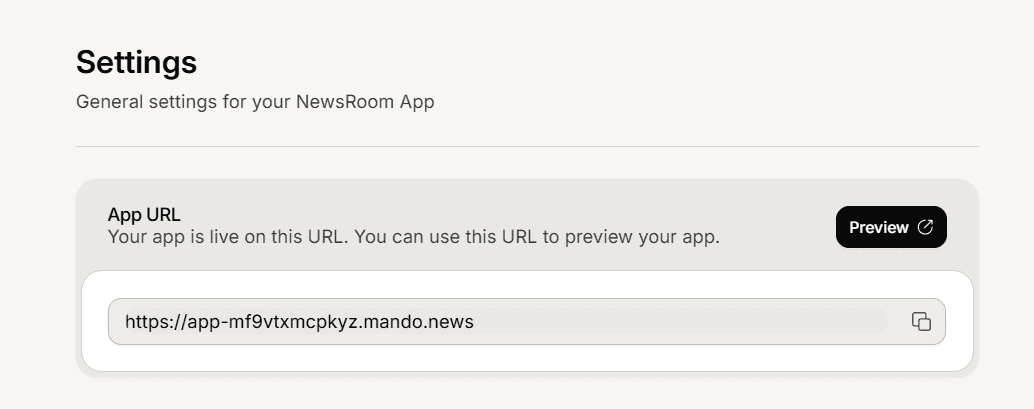
The dashboard gives you a direct link to your public Newsroom so you can check it the way a reader sees it.
Two ways to open it
The Preview button in the header of the Newsroom Overview.
The App URL card at the top of the Settings pages, which shows the address in a copy field and has its own Preview button so you can paste the link to a colleague.
Both open your real public site in a new tab, always showing your latest published version.
Your address
Your default public address is your-id.mando.news. To use your own address instead, add a Custom Domain in Settings > General.
If the preview sends you away
If opening the preview takes you to the Mando website instead of your Newsroom, the site is turned off. Turn it on in Settings > General, and only published articles appear; drafts stay private to you.