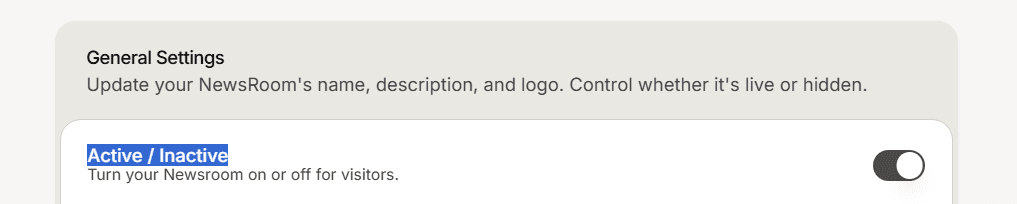
A single switch decides whether your public Newsroom is served to visitors. It is the clean way to keep the site private while you are still writing.
Flip the switch
Open your Newsroom and go to Settings > General.
Use the Active / Inactive switch. Its note reads: turn your Newsroom on or off for visitors.
Save the page.
A new Newsroom is Active by default, so it is live as soon as it has content. Turning it on or off is an admin action; see Understand Super Admin and Member roles.
What happens while it is off
Visitors who open your Newsroom address are sent to the Mando website instead of your site. They do not see a "site disabled" page.
Your content is untouched. Collections, articles, and drafts all stay exactly as they were.
When to use it
Turn it off before launch while you write your first articles, or any time you want to take the site down quickly. To hide a single article instead of the whole site, leave the switch on and keep that article a draft.