
Automations let your AI do more than answer questions. They collect details, call your own systems, and guide a customer through a task, all without leaving the chat. You build and manage them on the Automations page.
Where to find them
Open your Customer Service app and click Automations in the side menu. The page is titled Automations, with the note that these run when a customer chats with your bot.
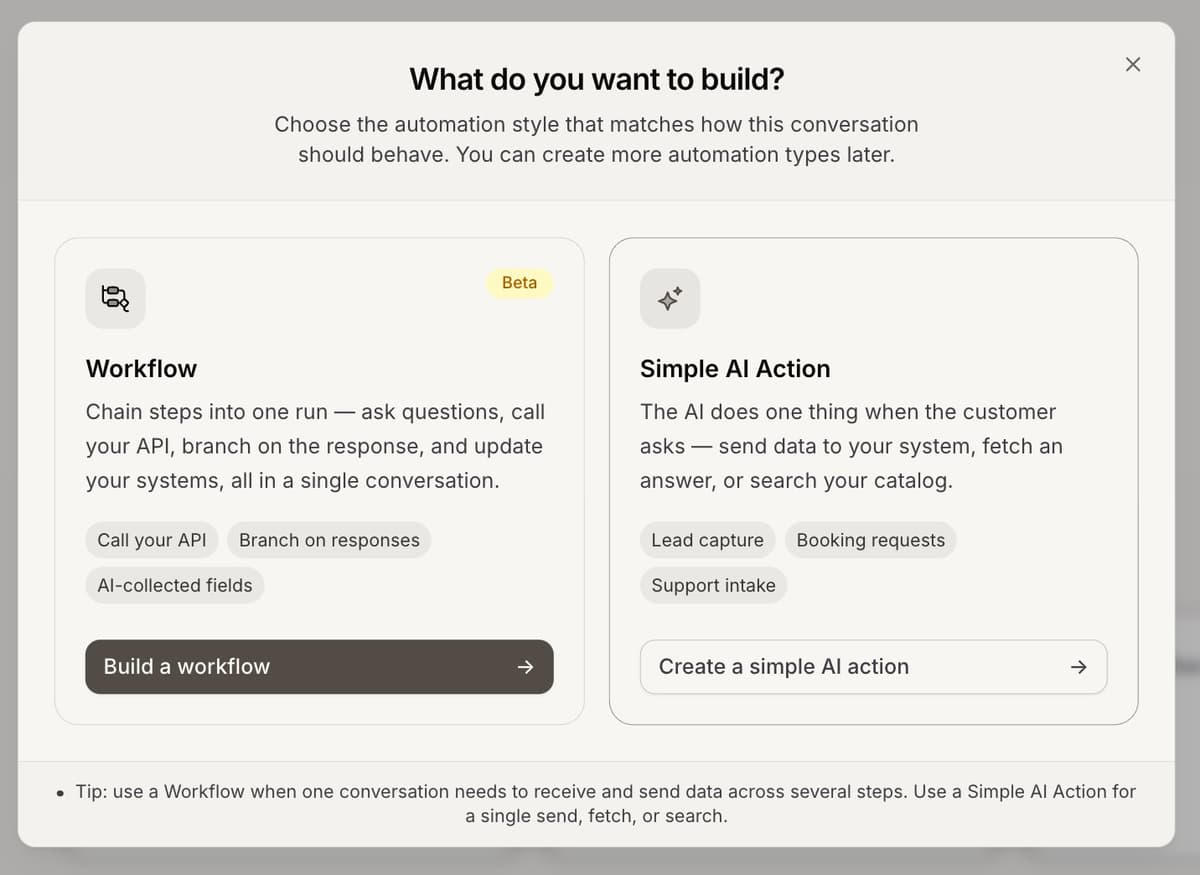
he two automation type
When you click Create, you choose between two styles:
Simple AI Action: the AI does one thing when the customer asks, such as send data to your system, fetch an answer, or search your catalog.
Workflow (Beta): chain several steps into one run, ask questions, call your API, branch on the answer, and update your systems in a single conversation.
Two built-in actions
Above your own automations sit two ready-made ones you only switch on: Collect Contact Info, which asks the customer for their name, email or phone, and Hand Off to a Human, which moves the conversation from the AI to your team.
Building is free; activating counts
Building and saving an automation is free on every plan. Turning one on is what counts toward your plan: a Simple AI Action activates on the Growth plan or higher, and a Workflow activates on the Business plan.
Frequently asked questions
What is the difference between an action and a workflow?
An action does one step when the customer asks. A workflow scripts a fixed, multi-step path. Use an action for a single send, fetch or search.
Where should I start?
A Simple AI Action takes about a minute to build. Start there, then add a workflow when you need several steps in one run.