
The home screen is what a visitor sees when they open the widget, before any conversation starts. Turn it off and they land straight in a conversation instead.
Steps
Open your agent and go to the step where you configure what visitors see.
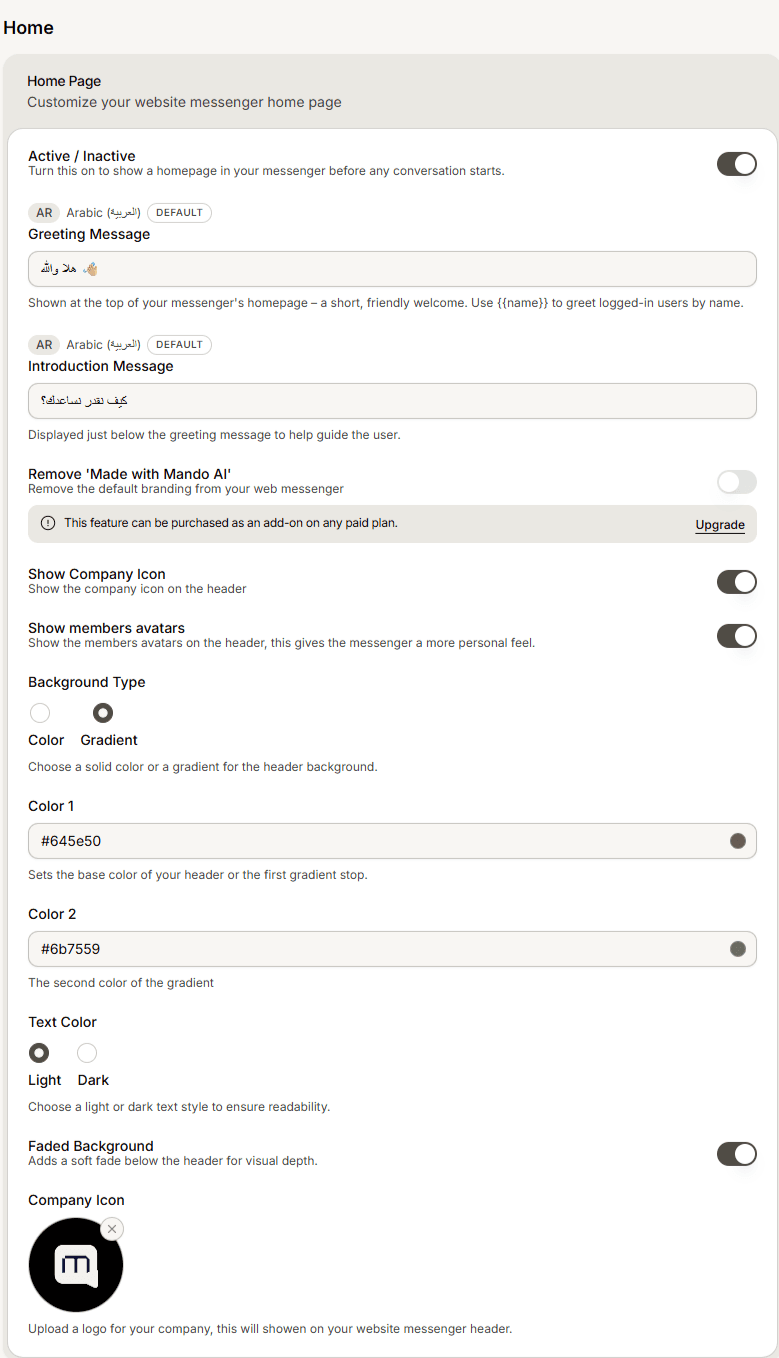
Find the Home Page section.
Switch Active / Inactive on to show a home screen, or off to skip it.
Save and check the preview.
Which to choose
Keep the home screen when you want a place for a welcome, a help centre search, and a start button, so visitors get oriented before typing. Turn it off when you want the shortest path to a conversation, which usually suits a support-only widget where every visitor already has a question.
Frequently asked questions
Does turning it off delete my home screen settings?
No. The greeting and other home screen content stay saved, they just stop being shown. Turn it back on and they reappear.
What happens to my help centre inside the widget?
The help centre is shown through the home screen, so hiding the home screen also removes that entry point.