
Connecting WhatsApp lets your AI agent receive and send WhatsApp messages, with conversations arriving in your Mando inbox alongside every other channel.
Before you start
You need a WhatsApp Business account and a phone number that is not already connected to another WhatsApp Business platform.
Sign in with an account that has full admin control of your business portfolio. This is the single most common reason a connection fails later, and it is easier to fix before you start than afterwards.
Steps
Open your agent, go to Settings, then Integrations and Channels.
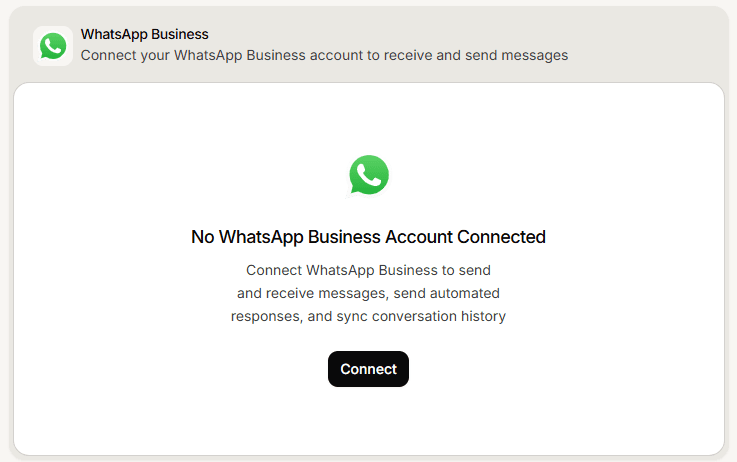
On the WhatsApp Business card, select Connect.
A signup window opens. Sign in and follow it through.
Choose or create the business account and the phone number you want to use.
Grant every permission you are asked for. Skipping one leaves the connection incomplete.
Wait for the window to close by itself and for Mando to confirm the connection.
What you should see
Mando confirms that WhatsApp connected successfully and the card switches to its connected state. Send a message to your WhatsApp number from another phone: it should appear in your inbox within a few moments.
Do not skip that test. A card can say connected while messages are not actually reaching Mando, and the only way to know is to send one.
Frequently asked questions
Can I use a number that already has the WhatsApp app?
A number can only be active on one WhatsApp platform at a time. Use a number that is free, or migrate it deliberately.
Will my customers see a different number?
No. They message the same number you connected.
Can I connect more than one number?
Connect the number you want this agent to answer on. Channels are configured per agent.