
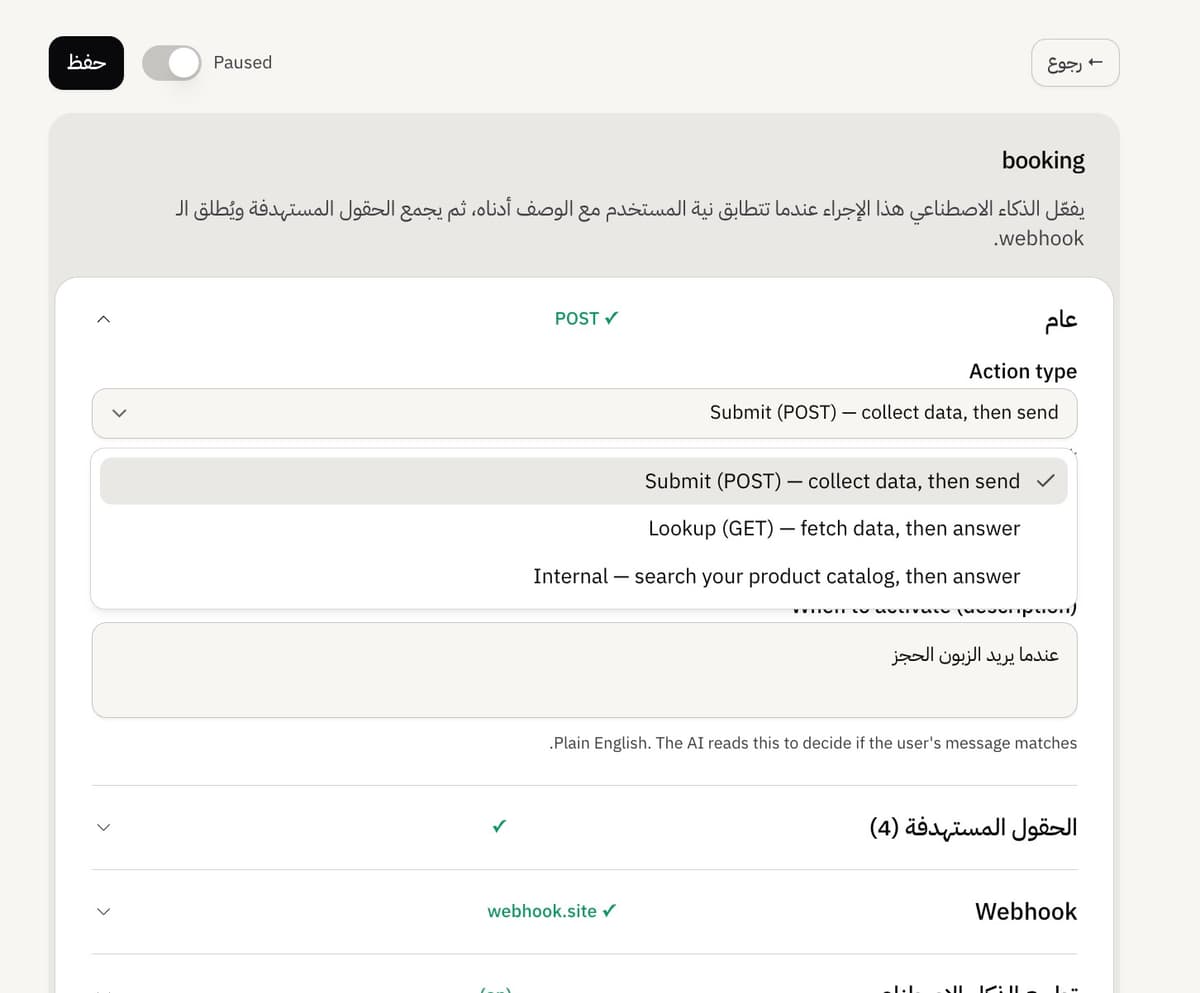
A Submit action collects details, then sends them to your own system through a webhook. You set this up in the Webhook section of the action editor.
Point the action at your endpoint
In a Submit action, open the Webhook section.
Under What happens after the data is collected?, choose Send to my system (or Both to also hand off).
Enter your endpoint in the URL field. It must start with https://.
Leaving the URL blank makes the action data-only: it records the details but sends nothing.
What Mando sends
Mando sends a POST with a flat JSON body whose keys are exactly your field keys and whose values are the collected answers. There is no wrapper around it. A few field keys are filled from the conversation automatically: name a field email, phone or source and Mando fills it from the customer, so the AI cannot overwrite it.
Secure and confirm the request
To let your endpoint verify the request is from you, add a secret header (such as Authorization) in the Headers list and check it on your side. This is the way to authenticate the call.
Mando treats any 2xx response as success. Any other status is a failure: the run is marked failed and the AI apologises and offers to retry or reach a human, without showing the customer the error.
Confirm and reply after sending
Turn on the optional Confirmation step to have the AI show a summary and wait for a yes before it sends. Turn on Post-submission message to reply after a success, using {webhook.field} for values your endpoint returns and {field_key} for collected values.
Frequently asked questions
Is the request signed?
No. Add your own secret header and verify it on your endpoint to authenticate the call.
What counts as success?
An HTTP 2xx status. The response body is not inspected, so return a non-2xx status to signal a failure.
Is there a timeout?
Yes. Mando waits about 10 seconds for your endpoint.