
Messenger is connected through a Facebook Page. Once linked, messages sent to that Page arrive in your Mando inbox and your AI agent answers them.
Before you start
You need a Facebook Page, and you must manage it with the account you use to connect.
Know which Page you want connected if you manage several, because you choose one during the flow.
Steps
Open your agent, go to Settings, then Integrations and Channels.
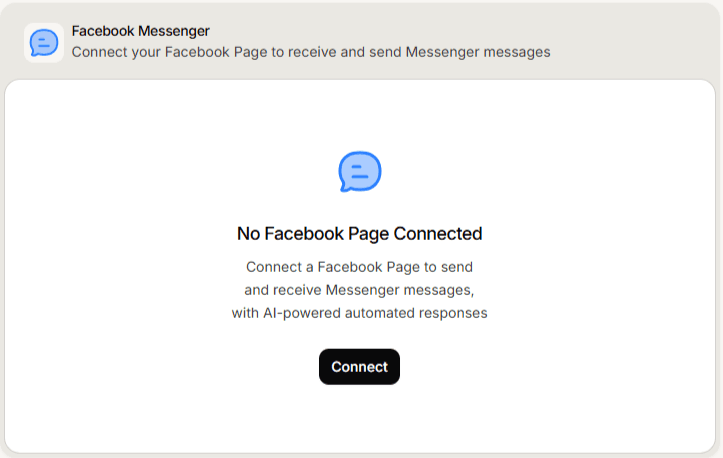
On the Facebook Messenger card, select Connect.
Sign in and grant the permissions requested. Leave them all enabled.
On Select a Facebook Page, choose the Page you want, then select Connect.
What you should see
Mando confirms Facebook Messenger connected successfully. Send a message to your Page from another account and check it arrives in your inbox.
Frequently asked questions
Can I connect more than one Page?
You choose one Page for this agent during the flow. Connect the Page your customers actually message.
Does this also connect Instagram?
No. Instagram is a separate channel with its own connection, even though both go through Facebook.
What if I picked the wrong Page?
Disconnect the channel and connect again, choosing the correct Page.