
Saved replies are inserted from the composer while you are writing, so you never leave the conversation to find one.
Insert one
The quickest way is the keyboard. With the reply box focused, type a backslash to open the saved reply picker, then start typing to narrow the list and choose one.
There is also a control in the composer toolbar if you would rather click.
Once inserted the text is yours to edit. Nothing is sent until you send it.
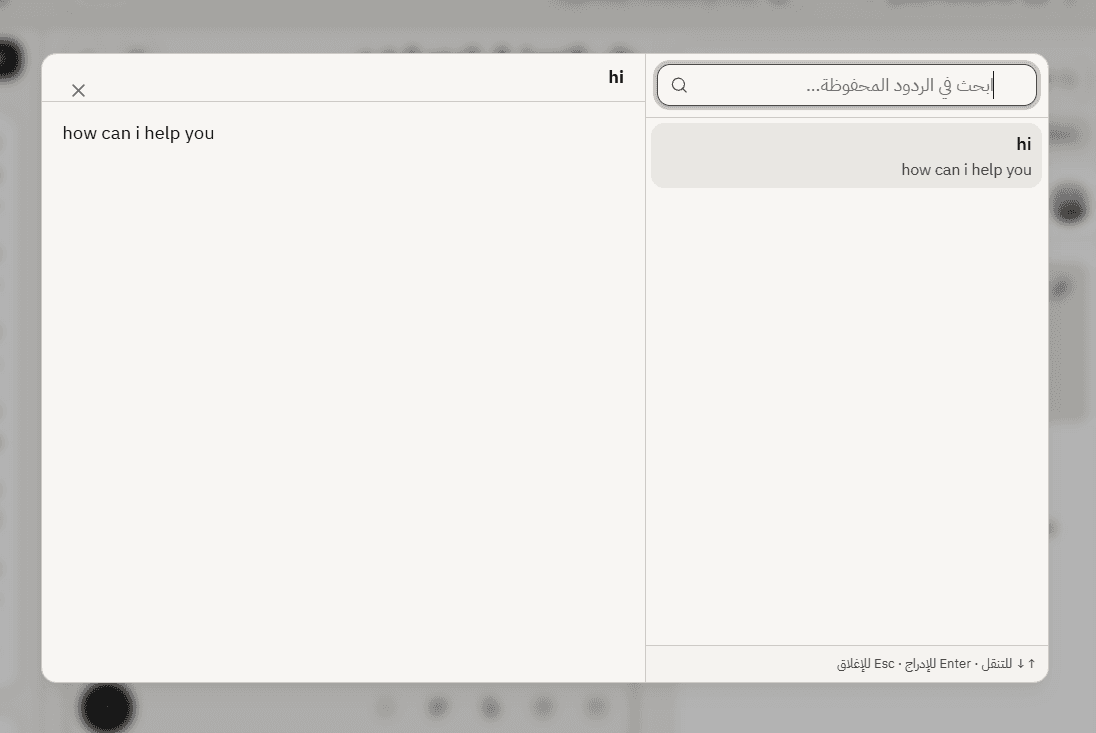
Placeholders fill in as you insert
If a saved reply contains placeholders, they are replaced with this customer details at the moment you insert it. You see the finished text in the composer, not the template.
Glance at it before sending. A placeholder with no value falls back to whatever the author set, and if they did not set one you will see the gap, which is exactly the moment to fix it.
Edit before you send
The best use of a saved reply is as a starting point rather than the whole message. Insert it, then add the one sentence that answers this particular customer.
A reply that is only boilerplate reads as boilerplate. A reply that opens with something specific and then uses your standard wording reads like a person who knows the answer.
Only in replies, not notes
The picker is available when you are writing a reply to a customer. It does not appear in note mode, since saved replies are customer-facing answers rather than internal shorthand.
If you cannot find one
You see your own saved replies and any shared with the team, for this agent. A reply created on a different customer service agent will not appear here, which is the usual reason something you remember writing is missing.
Frequently asked questions
The shortcut does nothing.
Check the reply box is focused and you are in reply mode rather than note mode.
Can I insert two?
Yes. Each one is inserted at your cursor.
A placeholder came out blank.
The detail was missing and the reply had no fallback. Edit before sending, and add a fallback to the saved reply.