
Connecting Shopify lets your AI agent recommend products from your catalogue and look up order and tracking details for customers in chat.
The install runs almost entirely on its own. You approve permissions once in Shopify, and Mando does the rest.
Before you start
You need to be an Admin or Super Admin in your Mando workspace. Members cannot connect a store.
On the free plan you can connect one website or store in total. If you already have another store connected, you will need to remove it or upgrade before Shopify can connect.
Steps
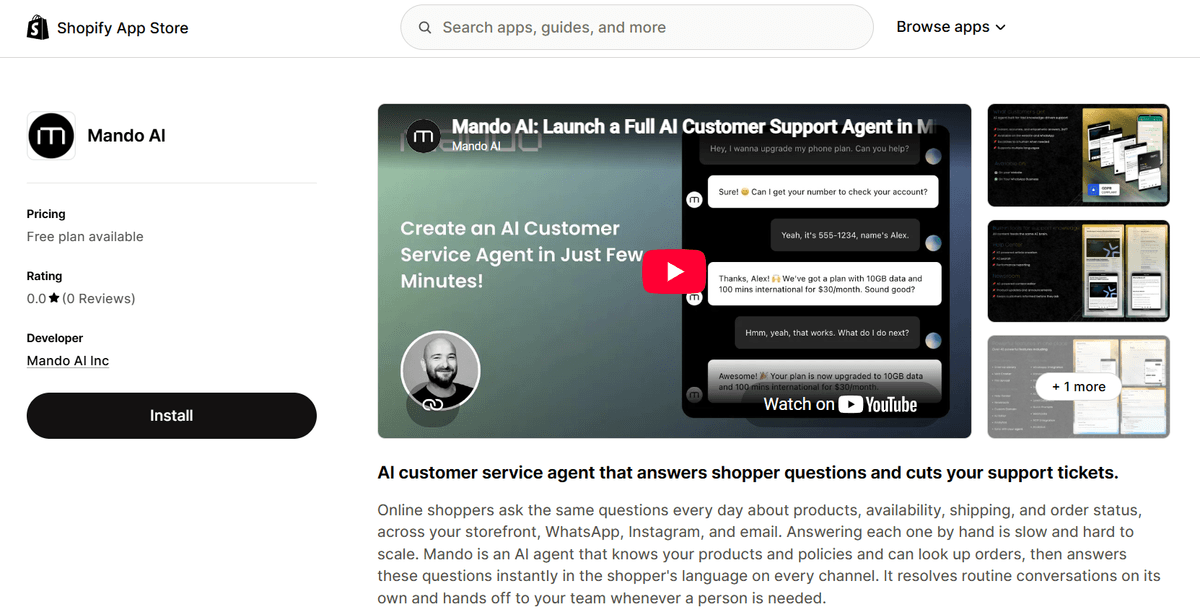
Open the Mando AI listing in the Shopify App Store and select Install.
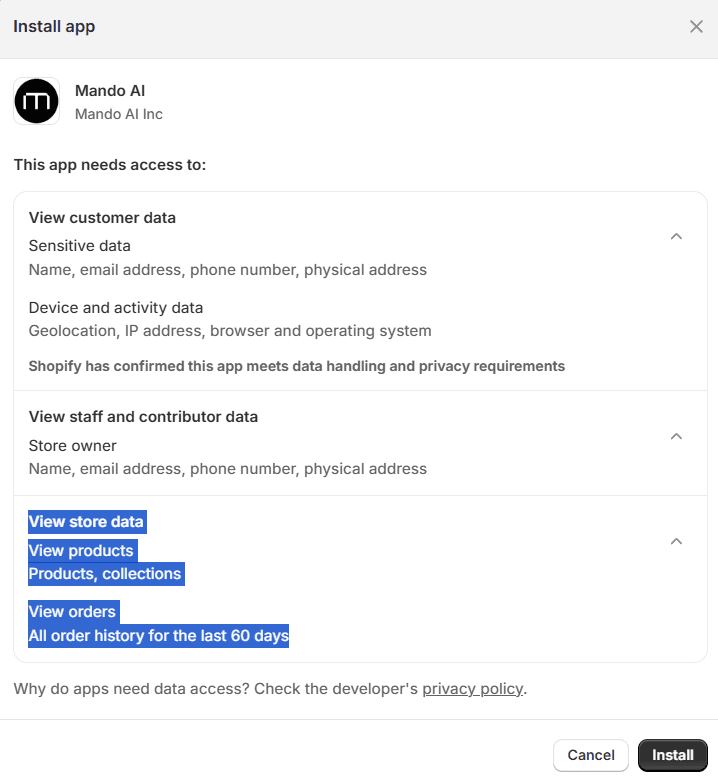
Shopify shows its permission screen. Mando asks to read your products and your orders, and nothing else. Approve it.
You land back in Mando. If you are not signed in yet, you are taken to sign up first and returned automatically afterwards.
The connection then starts by itself. You will see Connecting your store to Mando while it runs, and you do not need to select your store: Shopify already told Mando which store you are installing on.
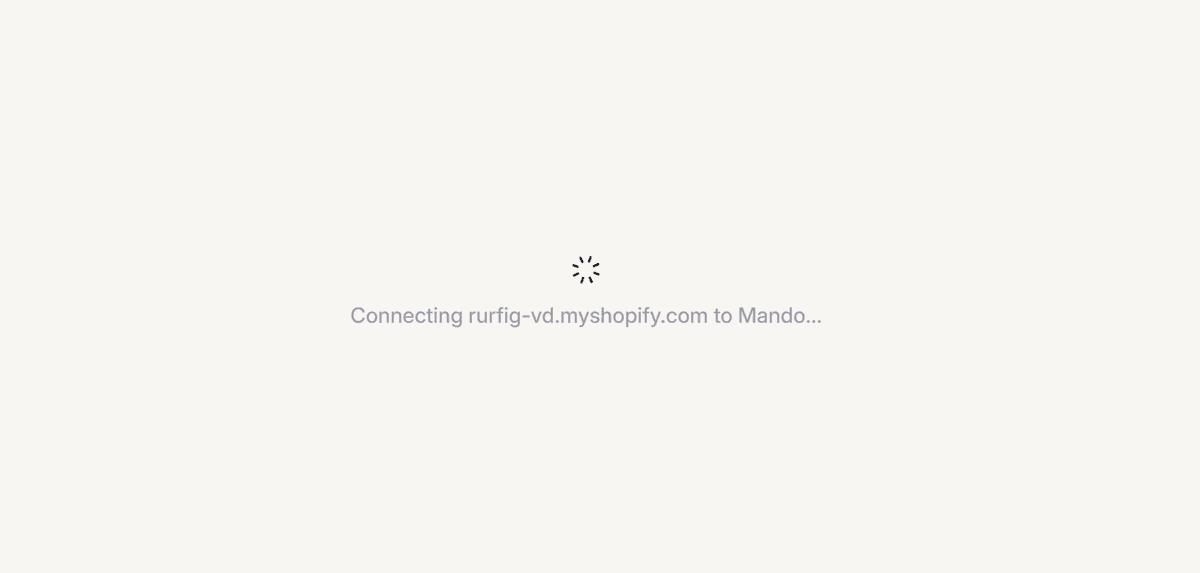
When it finishes you continue into the welcome setup, where the next step is turning on the chat When it finishes you continue into the welcome setup, where the next step is turning on the chat widget.
Where to confirm it worked
Open Content Library, then Sources. The Shopify tile shows Connected, your store name, how many products have synced, and when the last sync ran.
Products sync automatically after connecting, so the count may still be climbing the first time you look.
Connected is not the same as live
Connecting your store and showing the chat widget on your storefront are two separate things. Shopify keeps app widgets switched off until you enable them in your theme, and Mando cannot switch it on for you.
So after connecting, your products are syncing but customers still cannot chat. Turning the widget on is a short separate step.
Frequently asked questions
Which store does Mando connect to?
The one you installed from. There is no store picker, because Shopify passes the store along with the install.
Does Mando change anything in my store?
It reads products and orders. Adding the chat widget to your storefront is a separate action you take in your theme.
How is billing handled?
Installing from Shopify moves your Mando subscription onto Shopify billing, so you manage the plan from Shopify.