
Replying takes two steps: make the conversation yours, then write. The second is obvious, the first catches people out, so it is worth knowing why it exists.
Steps
Open the Inbox and select a conversation.
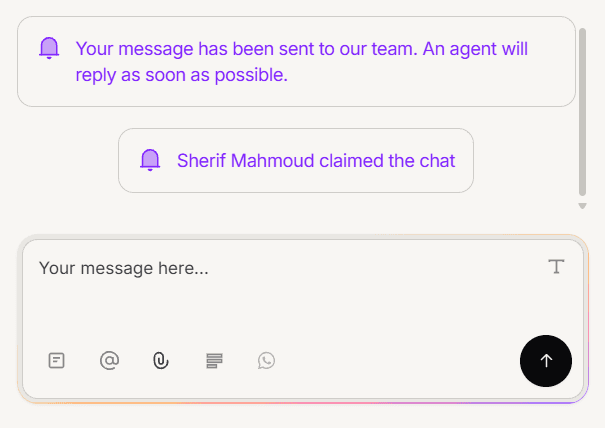
If the reply box is not there, use the option to take the conversation on. This assigns it to you and stops the AI answering it.
Type your reply and send it.
Your reply goes back the way it came
You do not pick a channel. If the customer wrote on WhatsApp, your reply arrives on WhatsApp. If they used your website chat, it appears there.
This is why the inbox is worth working in rather than jumping between apps: one place, one reply box, every channel.
What sending does to the conversation
It moves from Needs reply to Waiting, because the ball is now with the customer. When they write back it returns to Needs reply.
An internal note does not do this. Notes are for your team, so a conversation stays in Needs reply until you actually reply to the customer.
Attachments and saved replies
You can attach files to a reply, and insert a saved reply rather than typing a common answer again. Both sit in the composer toolbar.
When you are done
Close the conversation to move it to Resolved. Closing is not required, but leaving finished conversations open makes your Waiting tab a poor picture of what is actually outstanding.
Frequently asked questions
There is no reply box.
Usually the conversation is not yours yet, or it is closed. Both have their own article.
Does replying stop the AI?
Taking the conversation on does. After that the AI does not answer it.
Can two people reply at once?
A conversation has one assignee, so only its owner has the reply box.