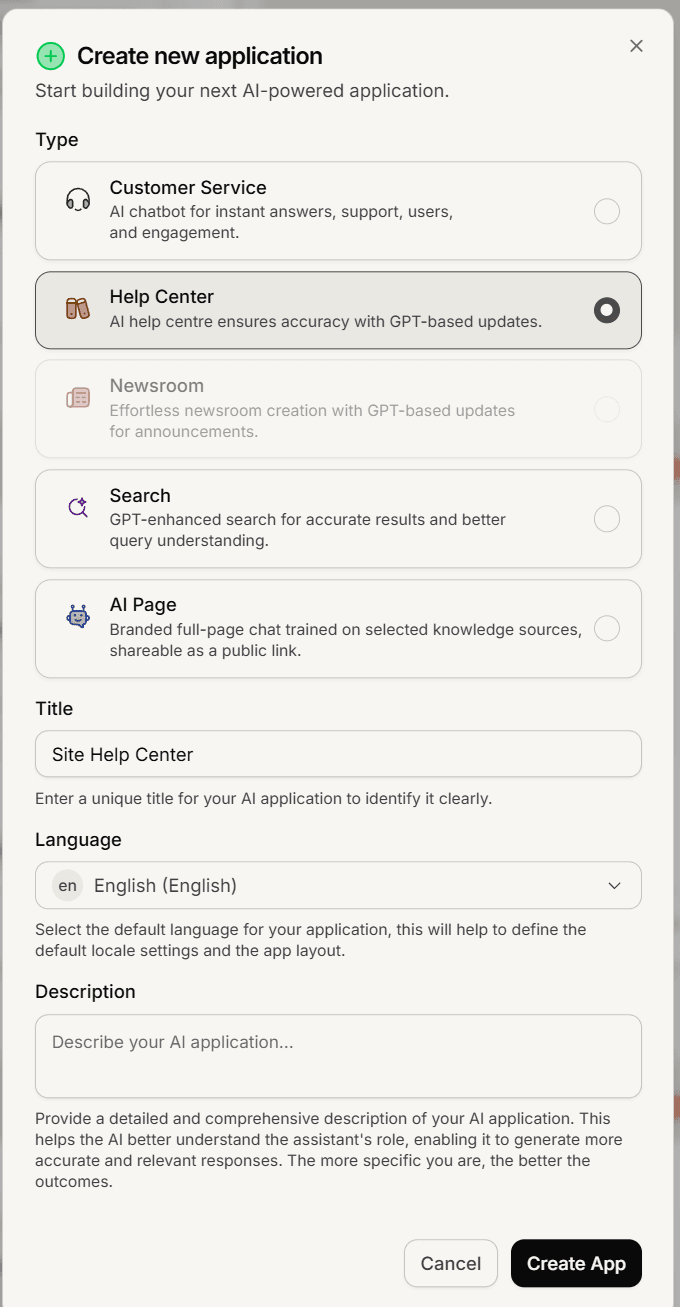
A help center belongs to one of your Mando AI agents: open the agent, name the help center, pick its language, and confirm. It takes under a minute, but two of the choices are hard to change later.
Before you start
Every plan includes at least one help center (Light 1, Growth 2, Business 3, Scale 5), and so does the free trial.
Only a Super Admin can create a help center.
Your plan sets how many help centers a workspace can hold. Once you are at that number, creating another is blocked until you upgrade.
Create the app
Open your AI agent in the dashboard.
In the agent's menu, under Publish, select Help Center. The help center setup page opens.
Enter a Name. This names the help center across your dashboard, and it stands in publicly as the site name until you set a header title and upload a logo. It has to be at least 3 characters.
Pick the Main language. This is the language your public site is served in and it sets the reading direction of the layout. Choose carefully: it is set once, at creation, and is not editable from the settings page afterwards.
Select Create help center.
Mando AI opens the new help center, ready for content. Published articles are shared with your agent automatically, so it answers from them too.
Already have a help center? On the same page, under Or use one you already have, select Link to this agent.
What to do next
Create your first collection and write a few articles, then publish them.
Set the title readers see at the top of the site, and upload your logo.
Connect a custom domain if you have one, and add the DNS records it shows you.
Switch the help center on and open the preview to check it as a reader.